
How to See How Many Plays a Song Has on Spotify: Simple Guide
Checking how many plays a song has on Spotify can help you understand its popularity, performance, and listener engagement. Whether […]
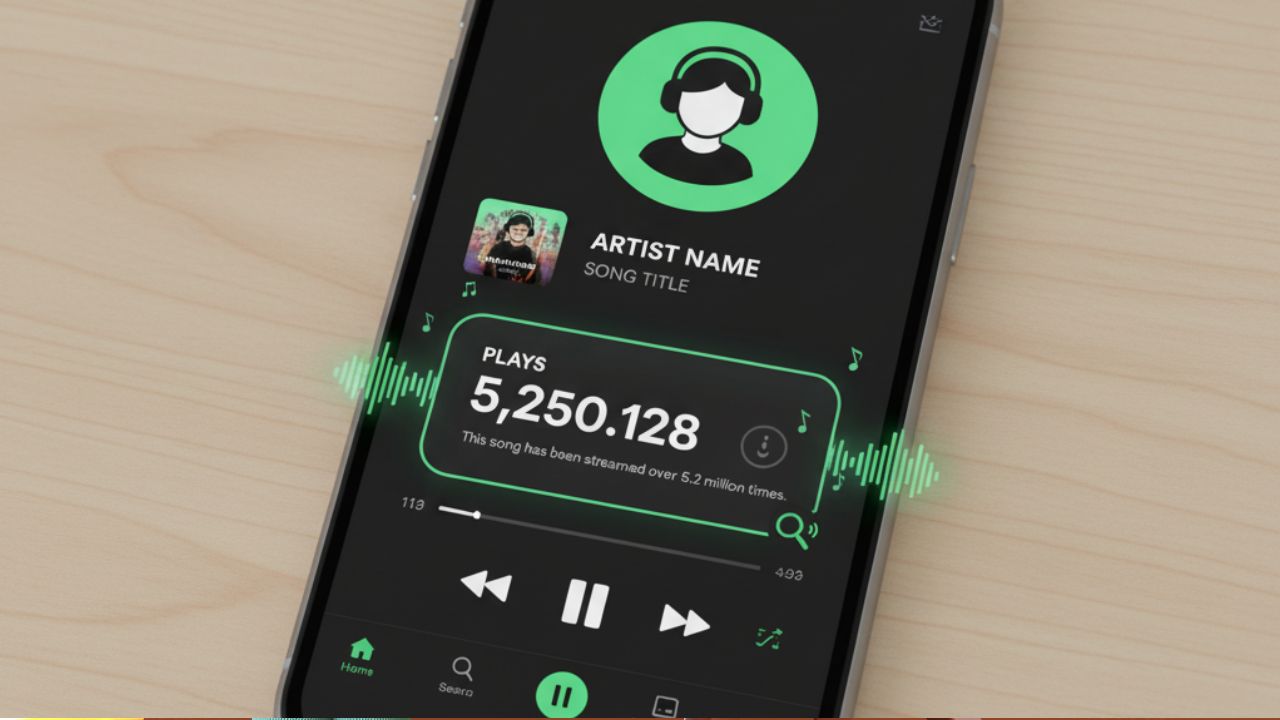
Checking how many plays a song has on Spotify can help you understand its popularity, performance, and listener engagement. Whether you’re a regular listener or an artist, Spotify offers different ways to view stream counts. This guide explains how to check plays both as a listener and as an artist using Spotify for Artists.
How to See Song Plays on Spotify as a Listener
Spotify shows stream numbers for some tracks, but only in one location: the artist’s Popular section.
Steps to View Song Plays on Spotify
- Open the Spotify app or web player.
- Search for the artist you’re interested in.
- Open their profile.
- Look at the Popular section.
- You’ll see stream counts to the right of each song.
Important Notes
- Only the top popular songs show stream numbers.
- Tracks with fewer than 1,000 plays appear as “<1000”.
- Songs outside the popular section don’t display play counts to regular listeners.
How Artists Can See Spotify Play Counts
Artists have access to detailed stream analytics through Spotify for Artists. This dashboard shows play counts, listener stats, playlist placements, audience demographics, and real-time performance for new releases.
How to Check Your Streams as an Artist
- Log in to Spotify for Artists (mobile app or web).
- Go to the Music tab.
- View streams by track, album, time range, or location.
- Check the Playlists section to see which playlists include your songs.
- Explore the Audience tab for demographic data and listener behavior.
Live Stream Count
For the first seven days after a song is released, Spotify provides a live stream counter updating every two seconds. This helps artists track early performance.
you can also check out our guide : The Complete Guide on How to Reset Galaxy Buds
How to Claim Your Artist Profile
If you haven’t claimed your profile yet, follow these steps:
- Visit Spotify for Artists and click Get Access.
- Log in or create a Spotify account.
- Search for your artist name and select your profile.
- Verify your identity using an email connected to your artist name or website.
- Wait for approval and then access your dashboard.
Once approved, you can personalize your profile, check analytics, submit songs for playlist consideration, and manage your brand on Spotify.
Checking Stream Counts on Mobile and Desktop
For Listeners
You can see:
- Recent listening activity
- Recently played artists
- Playlists and albums
But you cannot see detailed stream counts for every song unless the songs appear in the Popular section.
For Artists
You can access analytics from:
- Spotify for Artists mobile app
- Spotify for Artists web dashboard
Other Ways to Track Spotify Stream Data
- Third-party tools: Platforms like Soundcharts provide advanced insights into streams, playlist inclusion, monthly listeners, and audience data.
- Spotify Wrapped: Annual summary of listening trends released each December.
- Listener apps: Tools like Last.fm or Spotistats show personal listening history and trends.
These tools help artists and listeners gain deeper understanding of music performance and habits.
How Much Money Do Spotify Plays Earn?
Artists typically earn $0.003 to $0.005 per stream.
Earnings vary based on listener location, subscription type, and distributor fees.
Final Thoughts
If you want to know how many plays a song has on Spotify, the method depends on whether you’re a listener or an artist.
Listeners can only see counts for popular songs, while artists can access detailed analytics through Spotify for Artists.
Tracking your stream numbers helps you understand music performance, plan your marketing strategies, and grow your presence on one of the world’s leading streaming platforms.



Keep Exploring Zingyzon.com
Read more Zingyzon SEO, digital marketing, online earning, business, and technology guides for Australia, USA, and global readers.