
Top 8 Tools to Create Studio-Quality Vocals in 2026
AI-powered music production has moved from “nice to have” to a real workflow advantage. In 2026, you can generate realistic […]
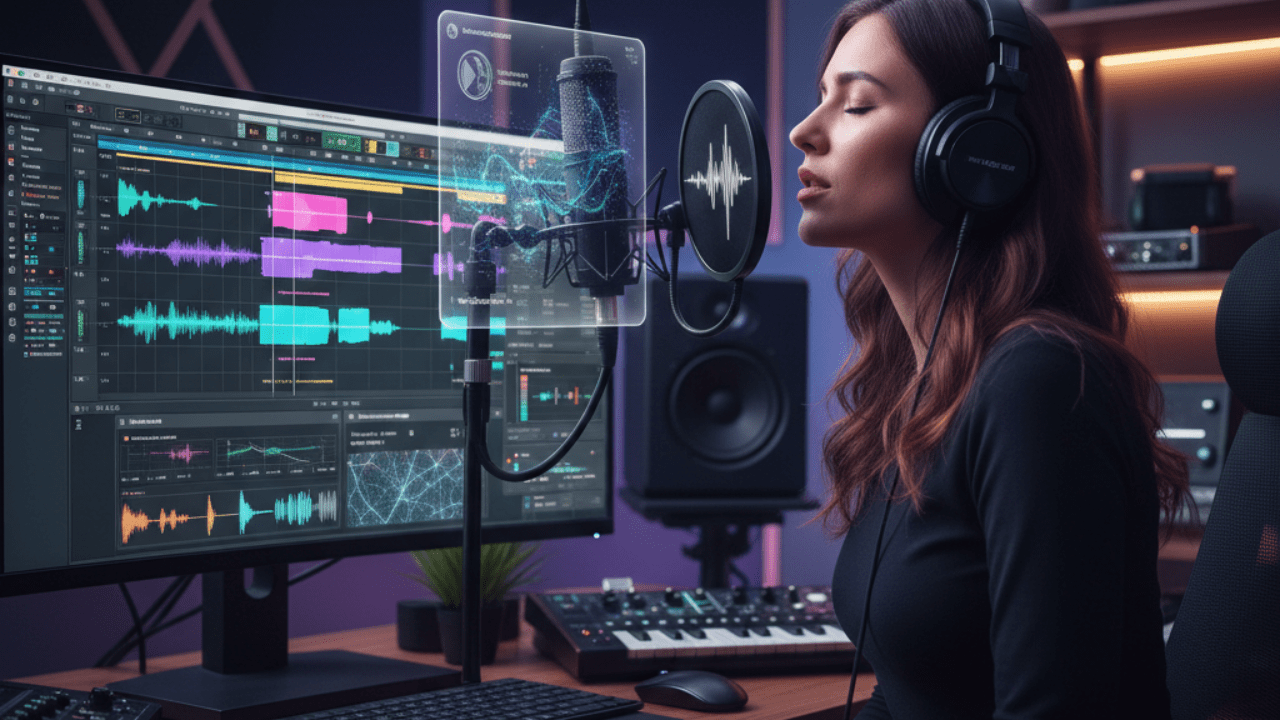
AI-powered music production has moved from “nice to have” to a real workflow advantage. In 2026, you can generate realistic vocal performances, tighten pitch in real time, sculpt harmonies, and polish a lead vocal—without a high-end studio or a complicated setup. In this guide, you’ll find the most practical tools creators use to get studio-quality vocals, plus how to pick the right one for your style and budget.
(If you’re noticing AI tools showing up everywhere, you’re not imagining it—this same shift is transforming how businesses run operations too. See: it-services-trends
1) ACE Studio (AceStudio.ai)
ACE Studio positions itself as an “AI vocal workstation” where you can generate expressive vocals and shape performance details like pitch movement and vibrato in a more production-friendly workflow. It’s designed to feel less like a gimmick and more like a writing/production tool you can actually finish songs with.
Best for: producers who want AI vocals that still feel editable and musical (not just “text-to-voice”).
2) iZotope Nectar (Nectar 4)
Nectar is a vocal-focused processing suite that helps you dial in a polished vocal chain faster (think: pitch, tone shaping, dynamics, and vocal effects in one place). Nectar 4 is the modern version many creators use when they want a quicker “radio-ready” vocal workflow without stacking a dozen plugins.
Best for: mixing vocals quickly while keeping results consistent across songs.
3) Synthesizer V (Synthesizer V Studio 2)
Synthesizer V has been one of the most popular “realistic vocal synthesis” options, and the next-generation Synthesizer V Studio 2 has been teased as the upcoming upgrade path with new features and updates to voice database management.
Best for: creators who want highly controllable virtual vocal performances with a natural feel.
4) Antares Auto-Tune (Auto-Tune 2026)
Auto-Tune remains the biggest name in pitch correction, and Auto-Tune 2026 is a major rebuild focused on performance and workflow—aimed at both studio and live use, with efficiency improvements and low-latency tuning.
Best for: modern vocal tuning (subtle or hard-tuned), especially if you record a lot and want speed + reliability.
5) VOCALOID (VOCALOID 6.5)
VOCALOID continues to be a core platform for vocal synthesis, and VOCALOID 6.5 is positioned as a significant update to improve expressiveness.
Best for: creators who like the VOCALOID ecosystem and want stylized vocal performances with lots of character.
6) Voicify AI (now commonly seen as “Jammable”)
This category is popular for AI cover-style workflows and voice model libraries. Some sources describe Voicify’s product direction under the “Jammable” name, highlighting customizable voices and community-driven models.
Best for: fast, creator-friendly AI cover experiments (use responsibly and respect rights/permissions).
7) Waves Tune Real-Time
Waves Tune Real-Time is built for instant pitch correction, including live and studio use. It’s especially useful if you want a simple, low-friction tuning tool that doesn’t slow down sessions.
Best for: live-style tuning, quick tracking sessions, and lightweight real-time correction.
8) Melodyne (Melodyne 5)
Melodyne is still the gold standard for detailed vocal editing—timing, pitch, and note-by-note control. The Studio edition supports deep multi-track workflows (helpful for stacked harmonies and background vocal arrangements).
Best for: precision editing, vocal cleanup, harmonies, and “surgery-level” control.
How to Choose the Right Tool (Quick Checklist)
If you want to generate vocals from scratch
Go with ACE Studio, Synthesizer V, or VOCALOID depending on your preferred style and control level.
If you want to tune vocals while recording
Choose Auto-Tune 2026 or Waves Tune Real-Time for fast results and real-time workflow.
If you want to polish and mix vocals faster
Use Nectar 4 as your vocal processing hub.
If you want deep editing and perfection
Use Melodyne for the most detailed note-level edits.
Practical Workflow Tips for Studio-Quality Vocals
- Record cleaner first: good mic distance + controlled room noise beats “fix it later.”
- Tune lightly, then mix: over-tuning early can make compression and EQ sound unnatural.
- Stack intentionally: double-tracking + tight timing beats heavy chorus in most genres.
- Export stems smartly: keep a “tuned lead,” “raw lead,” and “harmonies” stem set for flexibility.
And if you’re using AI singing, treat it like a production instrument: shape phrasing, dynamics, and timing so it supports the song—not the other way around.



Keep Exploring Zingyzon.com
Read more Zingyzon SEO, digital marketing, online earning, business, and technology guides for Australia, USA, and global readers.