
Smart Home Devices for Beginners: Simple Upgrades That Make Daily Life Easier
Smart home devices can make daily life easier when they are chosen with a clear purpose. A beginner does not […]
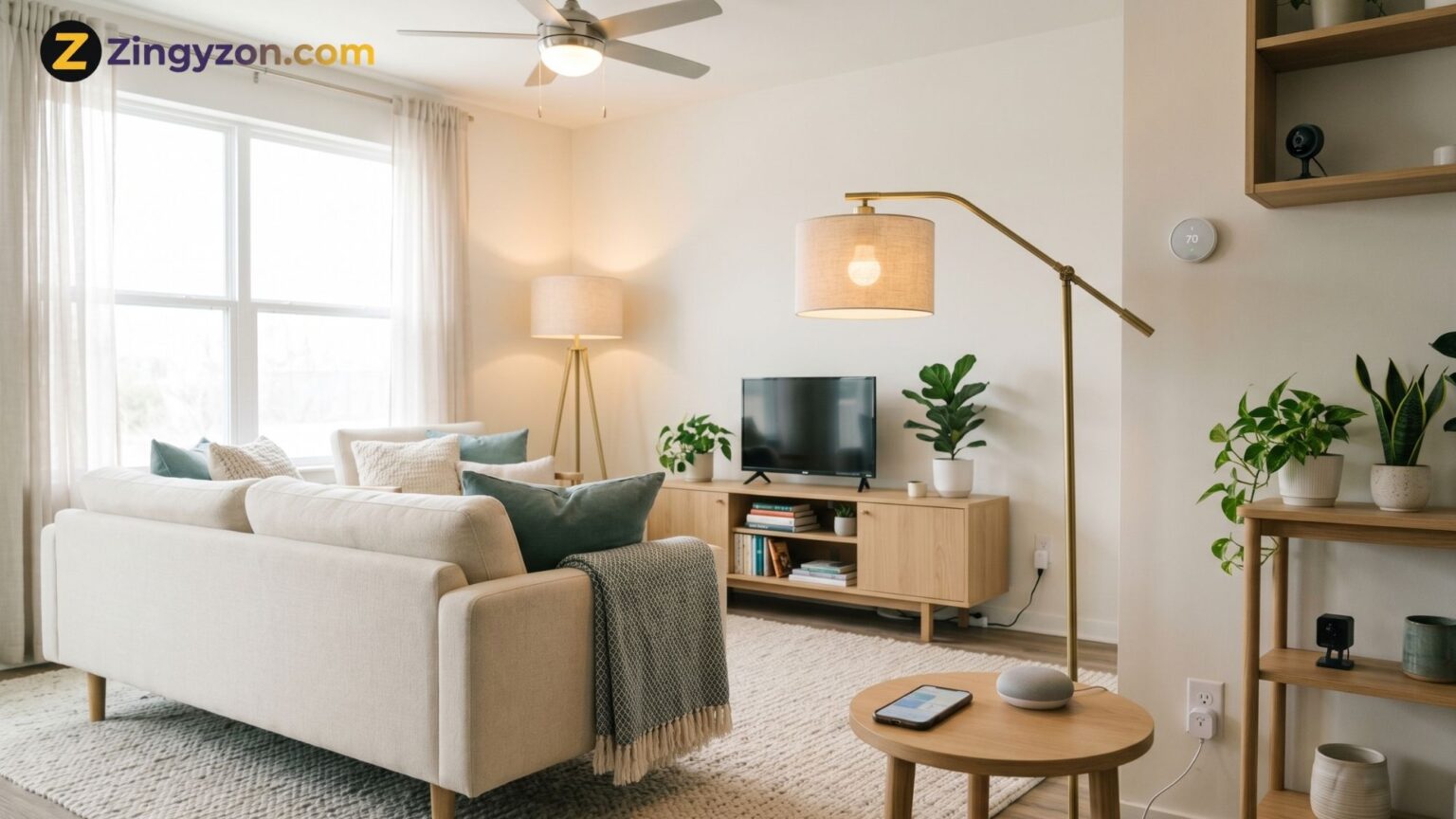
Smart home devices can make daily life easier when they are chosen with a clear purpose. A beginner does not need a complicated setup, expensive system, or fully automated house to enjoy the benefits of smart technology. A simple setup can begin with one useful device, such as a smart plug, smart light, smart speaker, or smart thermostat. The goal is to improve comfort, save time, support safety, and make home routines easier to manage.
For readers exploring modern home upgrades on Zingyzon, the best approach is to start small and build slowly. You can explore more home inspiration on Zingyzon.com and compare this guide with other practical home ideas on the site.
What Is a Smart Home Device?
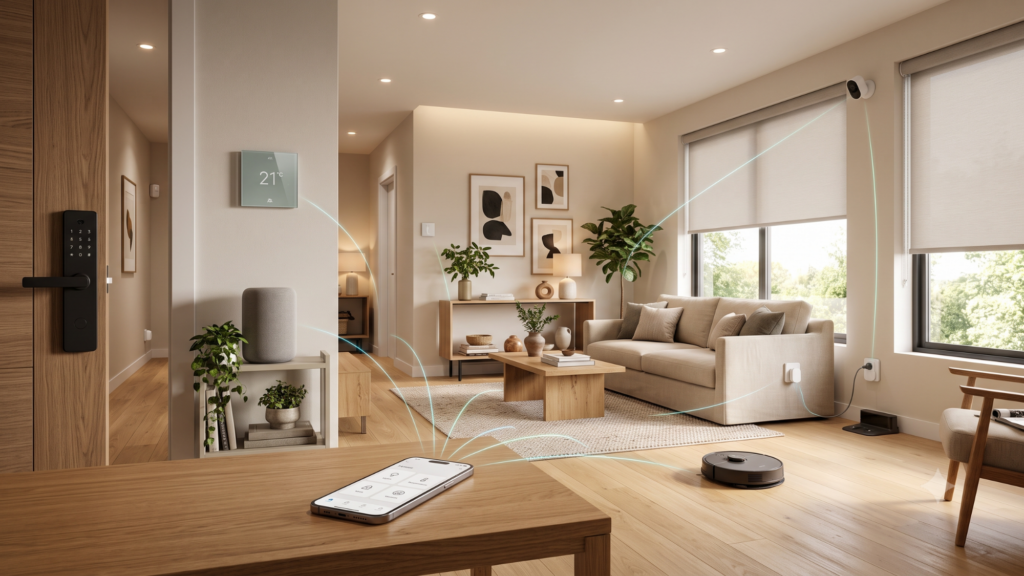
A smart home device is a connected product that can be controlled through an app, voice assistant, automation, or schedule. These devices often connect through Wi-Fi, Bluetooth, Zigbee, Thread, or Matter-supported systems. Common examples include smart lights, plugs, cameras, doorbells, thermostats, speakers, appliances, sensors, and robot cleaners. The main benefit is control. A user can turn lights on, adjust temperature, monitor a room, or manage devices without handling every switch manually.
Beginners should focus on devices that solve real problems. For example, a smart plug can turn a normal lamp into a scheduled light. A smart bulb can change brightness for reading, relaxing, or evening routines. A smart speaker can control compatible devices through voice commands. A smart thermostat can help manage heating and cooling with automated temperature settings.
Best Smart Home Devices for Beginners
The easiest first device is usually a smart plug. It is affordable, simple to install, and useful with lamps, fans, coffee makers, and small electronics. A smart plug allows schedules, remote control, and simple automation. It is also a good way to learn how smart home apps work before buying more advanced products.
Smart lighting is another beginner-friendly upgrade. Smart bulbs and light strips can improve comfort, mood, and convenience. A homeowner can create a morning light schedule, dim the lights for movie night, or turn lights off from bed. Smart lighting is especially useful in living rooms, bedrooms, hallways, and kitchens.
A smart speaker or smart display can work as the control center for a simple smart home. It can answer questions, play music, set reminders, control compatible lights, and manage routines. A smart speaker is not required, but it makes voice control easier for beginners who prefer simple commands instead of opening an app every time.
Smart thermostats are useful for comfort and energy management. ENERGY STAR explains that certified smart thermostats are independently certified using field data to deliver energy savings. This makes them a practical upgrade for homes where heating and cooling costs are important. A smart thermostat can also adjust temperature by schedule, occupancy, and remote control.
Smart security devices can also be helpful, but beginners should choose them carefully. A video doorbell, indoor camera, motion sensor, or smart lock can support awareness and convenience. However, these devices may collect sensitive video, audio, or access data. That is why privacy settings, strong passwords, and software updates should be part of the setup from day one.
How to Build a Smart Home Step by Step
Start with one room instead of the whole house. A living room is a good starting point because it often includes lighting, entertainment, comfort, and daily routines. A beginner can add one smart speaker, two smart bulbs, and one smart plug. This small setup can create a simple evening routine that turns on warm lighting, powers a lamp, and plays relaxing music.
Next, choose one main ecosystem. Many people use Apple Home, Google Home, Amazon Alexa, Samsung SmartThings, or another smart home app. Staying within one ecosystem makes device control easier. Matter-supported devices may also help with compatibility because the Connectivity Standards Alliance describes Matter as a standard designed for reliable and secure IoT connectivity across smart home products.
After the first room works well, add devices based on needs. A bedroom may need smart lighting and a voice assistant. A kitchen may need smart plugs, leak sensors, or appliance reminders. A hallway may need motion lighting. A home office may need smart plugs, energy monitoring, or a camera. Readers can also browse related guides through the Home & Garden category where Zingyzon shares useful home comfort and improvement articles.
Smart Home Security and Privacy Tips
Security matters because smart devices connect to home networks and may store personal data. NIST recommends planning before buying, enabling authentication, updating devices, and paying attention to privacy settings for smart home products. This means beginners should not only ask, “What does this device do?” They should also ask, “How is this device secured?”
A few simple habits can make a smart home safer. Change default passwords immediately. Use strong and unique passwords for smart home accounts. Turn on multi-factor authentication when available. Keep device firmware and mobile apps updated. Remove devices that no longer receive updates. Avoid giving every app unnecessary permissions. Place cameras carefully so they do not record private areas or neighbors without a good reason.
A separate guest network or IoT network can also be useful when a router supports it. This keeps smart devices separate from laptops, phones, and important personal files. Beginners do not need to become cybersecurity experts, but they should set up smart devices with privacy and safety in mind.
Simple Automation Ideas for Beginners
Automation is where smart home devices become more useful. A morning routine can turn on lights, adjust the thermostat, and start a speaker playlist. An away routine can turn off selected plugs and lights. A bedtime routine can dim lights and lower the thermostat. A motion routine can turn on hallway lights at night. These small automations save time without making the home feel complicated.
The best automation is one that feels natural. Avoid creating too many routines at first. Too many automations can confuse users and make troubleshooting difficult. Start with one daily routine, test it for a week, and then add another. This slow approach creates a smart home that feels helpful instead of stressful.
Smart Home Buying Checklist
Before buying any smart home device, check compatibility with your preferred app or ecosystem. Read privacy settings. Confirm whether the device needs a subscription. Check whether it supports updates. Look for energy-saving features when relevant. Read installation requirements. Make sure the device solves a real need in your home. A good smart home product should make life simpler, not add another confusing app or monthly cost.
For more connected living inspiration, readers can also visit Zingyzon’s Smart Lifestyle Upgrades guide for additional ideas that connect comfort, convenience, and everyday home planning.
Final Thoughts
Smart home devices for beginners should be simple, useful, secure, and easy to manage. Start with smart plugs, lights, speakers, thermostats, or sensors before moving into advanced automation. Choose devices that match your home routine, protect your privacy, and work with your preferred smart home system. With the right setup, a smart home can feel more comfortable, more organized, and easier to control every day.
FAQs
What smart home device should a beginner buy first?
A smart plug or smart bulb is usually the easiest first smart home device because it is affordable, simple to install, and useful in everyday routines.
Do smart home devices save energy?
Some devices can support energy savings when used correctly. ENERGY STAR certified smart thermostats, for example, are independently certified to deliver energy savings based on field data.
Are smart home devices safe?
Smart home devices can be safe when users choose reputable products, update software, change default passwords, enable authentication, and review privacy settings.

Keep Exploring Zingyzon.com
Read more Zingyzon SEO, digital marketing, online earning, business, and technology guides for Australia, USA, and global readers.