
How to Sidechain: A Complete Guide to Mastering Audio Ducking and Mixing
If you’re producing music, understanding how to sidechain is essential for achieving a polished, professional mix. Sidechaining is one of […]
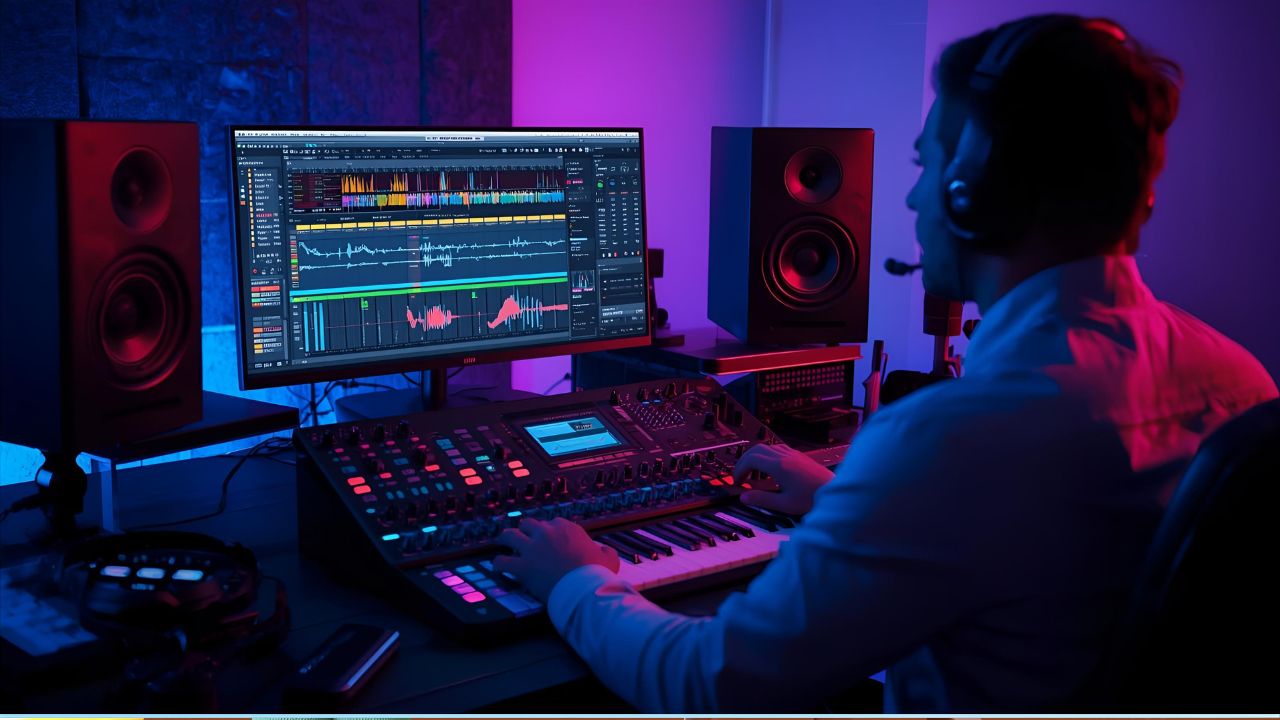
If you’re producing music, understanding how to sidechain is essential for achieving a polished, professional mix. Sidechaining is one of the most common techniques in modern production — used in genres like EDM, hip-hop, and pop to control dynamics and create space between instruments. It’s the secret behind that signature “pumping” sound in electronic tracks and the smooth volume control in vocals and bass lines.
This guide will walk you through what sidechaining is, why it’s important, and how to do it using your favorite digital audio workstation (DAW).
What Is Sidechaining?
In simple terms, sidechaining is an audio mixing technique that allows one sound to control the volume of another. Typically, it’s used to make certain elements stand out in a mix — like making the kick drum punch through the bass.
Here’s how it works: when a trigger sound (such as a kick) plays, it activates a compressor on another sound (like a bass line), lowering its volume temporarily. This creates rhythmic “breathing” in the music and prevents frequency clashes.
In short, sidechaining helps your mix stay clear, balanced, and dynamic.
Why Is Sidechaining Important in Music Production?
Sidechaining is not just a stylistic choice; it’s a technical necessity in many cases. Here are a few reasons why it’s so useful:
- Mix Clarity: It prevents low-end instruments like kick and bass from fighting for space.
- Dynamic Groove: Adds rhythmic movement and energy to tracks, especially in dance music.
- Focus Control: Keeps key elements like vocals clear and upfront in the mix.
- Professional Polish: Sidechaining creates that smooth, radio-ready sound that separates amateur from pro productions.
Whether you’re producing house, trap, pop, or even cinematic soundtracks, learning how to sidechain properly will take your mixes to the next level.
How to Sidechain: Step-by-Step Tutorial
While every DAW (Ableton Live, FL Studio, Logic Pro, etc.) has its own workflow, the process of sidechaining follows the same basic principle.
Step 1: Choose Your Trigger Sound
Decide which sound will trigger the sidechain. The most common example is using a kick drum to trigger compression on the bass track. This ensures the bass volume ducks slightly every time the kick hits, giving the mix punch and space.
Step 2: Add a Compressor to the Target Track
On the track you want to control (like bass, pads, or synths), insert a compressor plugin. The compressor will respond to the trigger signal you select next.
Step 3: Set the Sidechain Input
Inside the compressor, look for a setting called Sidechain Input or External Key Input. Choose your trigger sound — typically your kick drum — as the input.
Step 4: Adjust Threshold and Ratio
Lower the threshold until you hear the volume ducking when the kick plays. A moderate ratio (around 4:1) is a good starting point. The idea is to create noticeable yet smooth movement without making the effect too obvious.
Step 5: Fine-Tune Attack and Release
- Attack controls how fast the compression starts after the trigger hits.
- Release controls how long it takes for the sound to return to normal volume.
For rhythmic, pumping effects, use a fast attack and a release that follows the song’s tempo.
Creative Uses of Sidechaining
While traditional sidechaining is used to manage space between the kick and bass, there are many creative ways to apply it:
- Vocals and Instruments: Duck background instruments slightly when vocals come in to keep the lyrics clear.
- Reverb Control: Sidechain reverb returns to the dry signal to prevent muddiness.
- Pad Movement: Use a kick to rhythmically pulse long pads or synths for a dynamic groove.
- Sound Design: Create tension or rhythmic effects in cinematic or ambient tracks.
Experimenting with different sidechain sources and targets can add unique movement and emotion to your music.
Alternative Techniques: Ghost Kicks and Volume Shaping
You don’t always need a physical kick drum to trigger sidechaining. Many producers use ghost kicks — silent MIDI notes that act as sidechain triggers without audible sound.
Additionally, tools like volume shapers or LFO plugins (such as LFO Tool or Volume Shaper) can mimic sidechain effects without compression. These plugins allow precise control over timing and shape, offering more flexibility for creative rhythm design.
Common Mistakes When Learning How to Sidechain
Even experienced producers can make errors when applying sidechain compression. Here are a few pitfalls to avoid:
- Over-compression: Too much gain reduction can make your mix sound unnatural or thin.
- Incorrect Attack/Release: Poor timing settings can cause clicks or uneven ducking.
- Unbalanced Levels: Failing to match loudness after compression can throw off your mix dynamics.
- Not Monitoring in Context: Always listen to the whole mix, not just soloed tracks, to ensure the sidechain works musically.
FAQs About How to Sidechain
Q1: Do I need expensive plugins to sidechain?
A1: No. Most DAWs include built-in compressors with sidechain functionality that work perfectly well.
Q2: What genres use sidechaining the most?
A2: EDM, house, trance, pop, and hip-hop commonly rely on sidechaining for punchy and rhythmic mixes.
Q3: Can I sidechain multiple tracks to one trigger?
A3: Yes. You can send the same kick signal to compress multiple tracks for a unified, cohesive groove.
Q4: What’s the difference between sidechain compression and volume automation?
A4: Sidechain compression responds dynamically to a trigger, while volume automation is manually drawn and static.
Q5: How can I make my sidechain sound smoother?
A5: Adjust the release time to match your track’s tempo and use soft-knee compression for a natural fade.
Conclusion
Learning how to sidechain is one of the most valuable skills in music production. It helps balance your mix, gives space to key elements, and adds rhythmic energy that listeners can feel. Whether you’re using compression, ghost triggers, or volume shapers, mastering this technique will make your productions sound more professional and dynamic.
With a little practice and careful listening, sidechaining can turn your flat mix into a powerful, breathing, and polished piece of music ready for release.



Keep Exploring Zingyzon.com
Read more Zingyzon SEO, digital marketing, online earning, business, and technology guides for Australia, USA, and global readers.