
How to Find Ethernet Port in House: A Complete Beginner’s Guide
If you’re moving into a new home or setting up a faster internet connection, you may be wondering how to […]
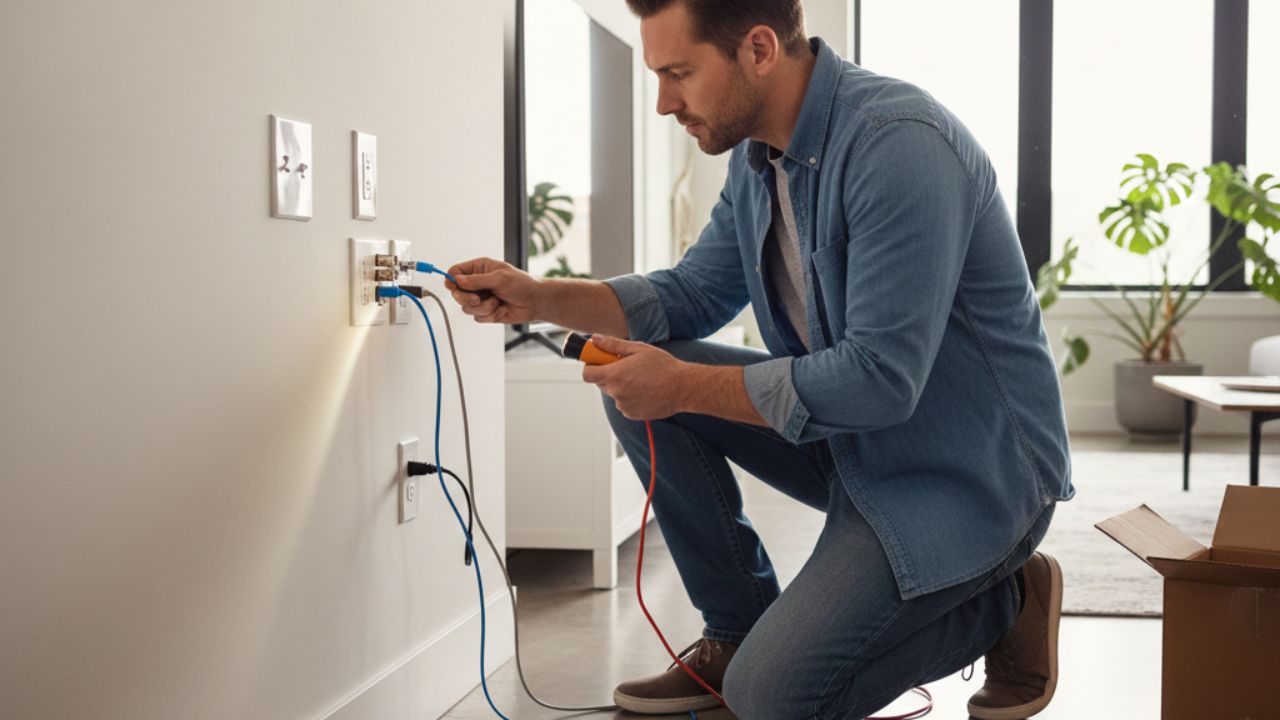
If you’re moving into a new home or setting up a faster internet connection, you may be wondering how to find ethernet port in house. Many homes—especially modern or recently renovated ones—are pre-wired with Ethernet ports, but they’re not always obvious at first glance. Sometimes they’re hidden behind furniture, disguised as phone jacks, or not labeled at all.
The good news is that finding Ethernet ports doesn’t require technical expertise. With a bit of observation and a few simple checks, you can locate them and start enjoying a more stable and faster wired internet connection.
What Does an Ethernet Port Look Like?
Before learning how to find ethernet port in house, it helps to know what you’re looking for.
An Ethernet port:
- Looks similar to a phone jack but is slightly wider
- Is usually labeled “Ethernet,” “LAN,” “CAT5,” or “CAT6”
- Has 8 small metal pins inside
- Accepts an Ethernet (RJ45) cable
Phone jacks are narrower and usually only have 4–6 pins, while Ethernet ports always have 8.
Common Places to Find Ethernet Ports in a House
1. Near Wall Outlets
Ethernet ports are often installed alongside electrical outlets. Look for wall plates that contain:
- Power sockets
- TV coaxial ports
- Ethernet or data ports
These combination plates are common in living rooms, bedrooms, and home offices.
2. Living Room and Entertainment Areas
Many homes have Ethernet ports near where TVs or entertainment systems are placed. Builders often install them for:
- Smart TVs
- Streaming devices
- Gaming consoles
Check behind TV units or wall-mounted televisions.
3. Home Office or Study Room
If your house has a designated office or study, it’s one of the most likely places to find Ethernet ports. These rooms are often wired specifically for wired internet access.
4. Bedrooms
Modern houses sometimes include Ethernet ports in bedrooms, especially near desks or corners where a computer setup would make sense.
5. Basement, Garage, or Utility Room
To fully understand how to find ethernet port in house, you should also check utility areas. Many homes have a central wiring panel located in:
- A closet
- Basement
- Garage
- Laundry room
This panel often contains Ethernet cables, a patch panel, or a network switch.
How to Identify Ethernet Ports vs Phone Jacks
This is where many people get confused.
Quick Identification Tips:
- Ethernet ports are wider than phone jacks
- Ethernet ports support thicker cables
- Labels like “CAT5e” or “CAT6” usually indicate Ethernet
- Phone jacks may be labeled “TEL” or “PHONE”
If you’re unsure, try gently inserting an Ethernet cable—if it fits securely, it’s likely an Ethernet port.
How to Test If an Ethernet Port Is Active
Finding the port is only part of the process. Next, you’ll want to see if it actually works.
Step-by-Step Testing
- Plug one end of an Ethernet cable into the wall port
- Plug the other end into a laptop or computer
- Check if the internet connects automatically
- Look for network lights on your device or router
If there’s no connection, the port may be inactive or not connected to your router yet.
you can also check out our guide : Red Energy Solar Feed-in Tariff: What You Need to Know
Checking the Central Network Panel
When learning how to find ethernet port in house, the central network panel is key. This is where all Ethernet cables usually end.
Inside the panel, look for:
- Bundled Ethernet cables
- A patch panel
- Labels matching room names
- A network switch or router
If the cables are present but not connected to a router or switch, the ports in the rooms won’t be active.
How to Activate Unused Ethernet Ports
If your home is wired but ports aren’t working, activation is usually simple.
What You May Need:
- Ethernet cables
- A network switch (optional)
- Your internet router
Basic Steps:
- Connect your router to the patch panel or switch
- Match room cables to the desired ports
- Plug them into the router or switch
- Test the wall ports again
In many cases, this instantly activates the Ethernet ports.
What If You Can’t Find Any Ethernet Ports?
If you’ve searched everywhere and still can’t find them:
- Your house may not be pre-wired
- The ports could be hidden behind wall plates
- Ethernet wiring may exist without visible ports
In this case, a professional electrician or network technician can help locate or install Ethernet wiring.
Benefits of Using Ethernet Instead of Wi‑Fi
Once you learn how to find ethernet port in house, using it offers several advantages:
- Faster and more stable internet
- Lower latency for gaming and video calls
- Better security than Wi‑Fi
- No signal drops or interference
Ethernet is especially useful for work-from-home setups and smart home devices.
Final Thoughts
Learning how to find ethernet port in house doesn’t have to be complicated. By checking common locations, understanding what Ethernet ports look like, and inspecting your home’s network panel, you can quickly determine whether your house is wired for Ethernet.
A wired connection can significantly improve your internet experience, and once you locate and activate the ports, you’ll wonder why you didn’t do it sooner.



Keep Exploring Zingyzon.com
Read more Zingyzon SEO, digital marketing, online earning, business, and technology guides for Australia, USA, and global readers.