
Why Is Spotify Not Working? How to Fix?
I’ve had more than a few instances where Spotify freezes on a song or won’t even open my playlists. Nine […]
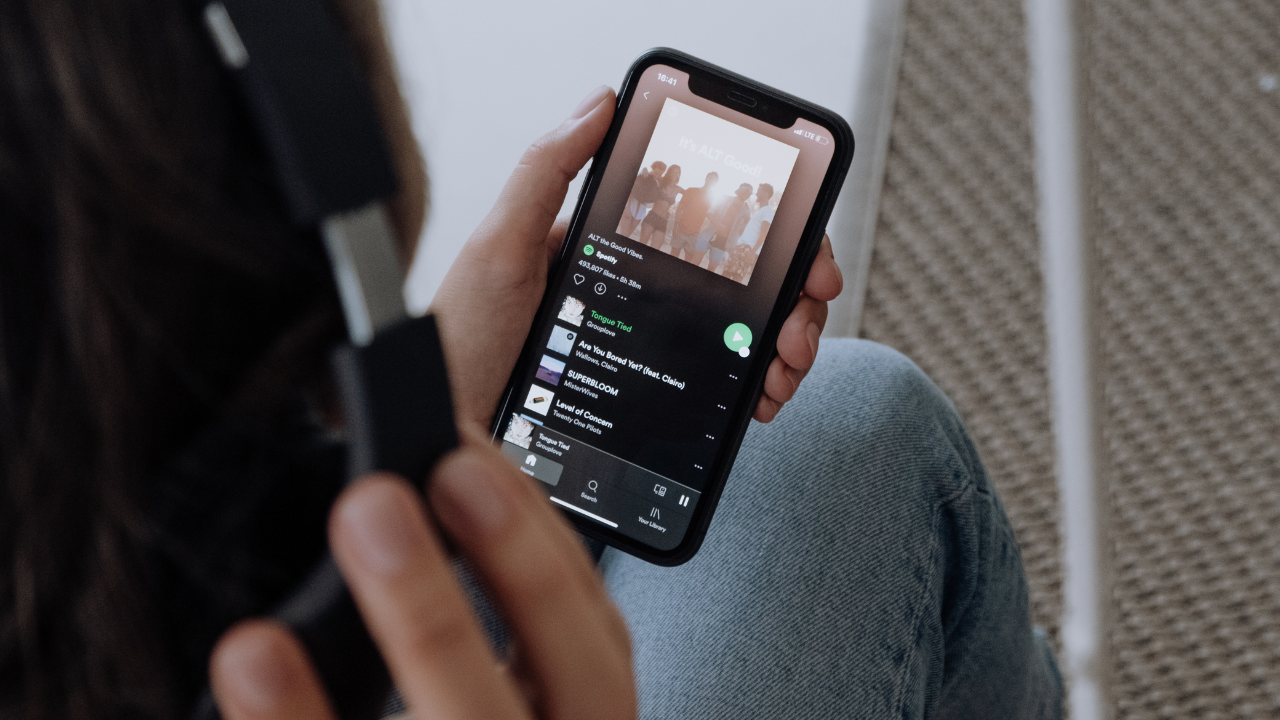
I’ve had more than a few instances where Spotify freezes on a song or won’t even open my playlists. Nine out of ten times, it’s due to the fact that I have a poor internet connection. It did it once when I was streaming from a café’s free Wi-Fi—it was buffering and buffering, and I’m thinking, “Wait, why is nothing playing?” Turns out the network was quite congested.
If you’re on mobile data, either your signal is poor, or perhaps your VPN (if you have one) is misbehaving.
Switching networks or simply restarting your router for a few seconds usually gets things working again.
Outdated App Version
I used to think that the need to update apps all the time was annoying, and then I had that experience where Spotify would just crash every time I tried to press play. After a bit of trial and error and some Googling, I discovered that my old version was the problem. As soon as I updated, all was well.
Developers release bug fixes in those updates, so keeping current is a good idea.
Trust me, dismissing those update notifications can bite you back.
Data or Cache Glitches
Spotify also stores tons of temporary files on your phone or computer. This makes it run more smoothly… until it doesn’t. I couldn’t open my favorite playlist once; the app would simply hang. Deleting the cache on my Android phone made Spotify run like new again. If you’re on iOS, sometimes signing out and back in again will work. I like to delete old data and caches every couple of months to keep things responsive.
Operating System Incompatibility
Occasionally, however, the problem isn’t the app itself, but rather your phone or computer’s operating system. When I recently upgraded my iPhone, I found that Spotify wouldn’t even open. It was highly annoying until I worked out that I needed the newest version of Spotify that was compatible with the new iOS. So if you’ve upgraded your phone or computer but not Spotify (or the other way around), don’t be surprised when everything falls apart.
Spotify Server Outages
Even the giants have bad days. I’ve lost count of the number of times Twitter and Reddit blow up in outrage that Spotify is down. If you’ve done everything else—rebooted your device, flipped Wi-Fi on and off, the whole nine yards—and it still isn’t working, there might be an outage on Spotify’s side. A glance at their official status page or their social media usually enlightens. You could also increase your listens by exploring alternate methods when the app is down.
Device-Specific Issues
Different devices, different headaches:
- Smartphones (iOS/Android): I even used up storage space once since I’d downloaded tons of music to be able to listen to it offline. The app became strange and glitchy. Cleared out some space, and voilà—fixed.
- Desktop (Windows/Mac): Antivirus or firewall configurations occasionally believe Spotify is a virus. I have had to allow the application through my firewall manually to prevent blocking.
- Smart TVs/Speakers: Updating the firmware of these devices can sometimes be challenging. One of my friends was unable to cast any music to her smart speaker until she had updated the firmware of the speaker and restarted.
Account or Subscription Problems
I’ve also had one of those “Oh no, my card expired last month!” moments. Abruptly my premium features disappeared. Also, if you’re signed in on too many devices (or you gave your password to your cousin and he didn’t sign out), Spotify can block you from new sign-ins. Verify that your payment information is current and see how many devices are currently signed in with your account.
Troubleshooting Techniques That Actually Work
Don’t get too technical before attempting these simple solutions:
- Restart your computer (yes, it solves more problems than you think).
- Clear Spotify’s cache if possible on your device.
- Reinstall Spotify if Spotify refuses to open altogether.
- Update your device’s operating system to maintain synchronization of everything.
- Check Spotify’s status page to see if there’s an outage.
Advanced Fixes
If you’re still stuck:
- Restart your router or attempt to connect through a different network.
- Ensure your antivirus or firewall isn’t blocking Spotify.
- As a last resort, contact Spotify support. They are able to view account settings and see if anything weird is going on with your device.
Preventive Measures
I’m a big believer in stopping problems before they start:
- Regularly update the Spotify app.
- Immediately and in the future (if you download lots of music) free up device storage space.
- Monitor your internet connection so you do not experience sporadic drops.
Frequently Asked Questions (FAQ)
Why is Spotify skipping or constantly pausing songs?
It’s likely your internet being wonky or some cluttered cache files. And see if your Bluetooth device is introducing any strangeness.
Why am I not able to listen to music offline despite having Premium?
Ensure that your songs are downloaded. Ensure also that you’re logged in with the right account and have enough storage space.
Why does Spotify work via Wi-Fi and not on mobile data?
You may have data restrictions enabled. Access Spotify settings on your phone and ensure data usage is not turned off.



Keep Exploring Zingyzon.com
Read more Zingyzon SEO, digital marketing, online earning, business, and technology guides for Australia, USA, and global readers.